Core Features
Tasks
Track work items and delegate them to agents without leaving the app
Open Tasks in the dashboard sidebar to browse issues and delegate them to agents. Filters persist between visits. Pull Requests has a separate view.
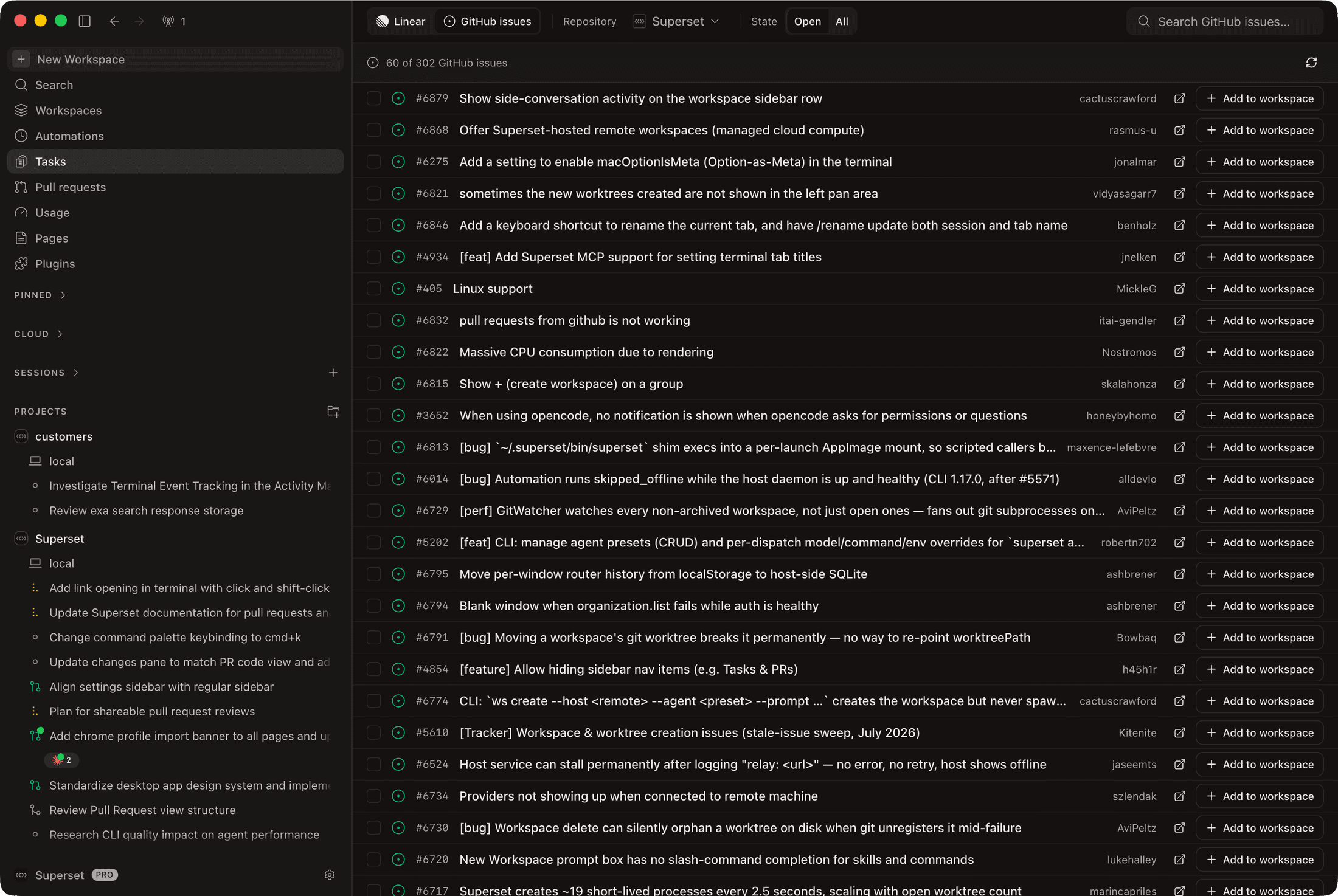
Where Tasks Come From
A source toggle at the top of the view switches between:
- Linear - issues synced from your connected workspace (see Linear Integration), listed alongside Superset-native tasks you create in the app
- GitHub issues - open issues from your projects' repositories, with a repository filter and per-row Add to workspace buttons
The Linear source lists issues from the whole connected workspace; filter by project, status, or assignee to narrow it to yours.
What You Can Do
- List and board views: a sortable table or a kanban board grouped by status
- Filters for project, task state, and assignee; empty filters mean everything
- Semantic search: find tasks by meaning, not just keywords
- Multi-select: check several tasks and act on them together
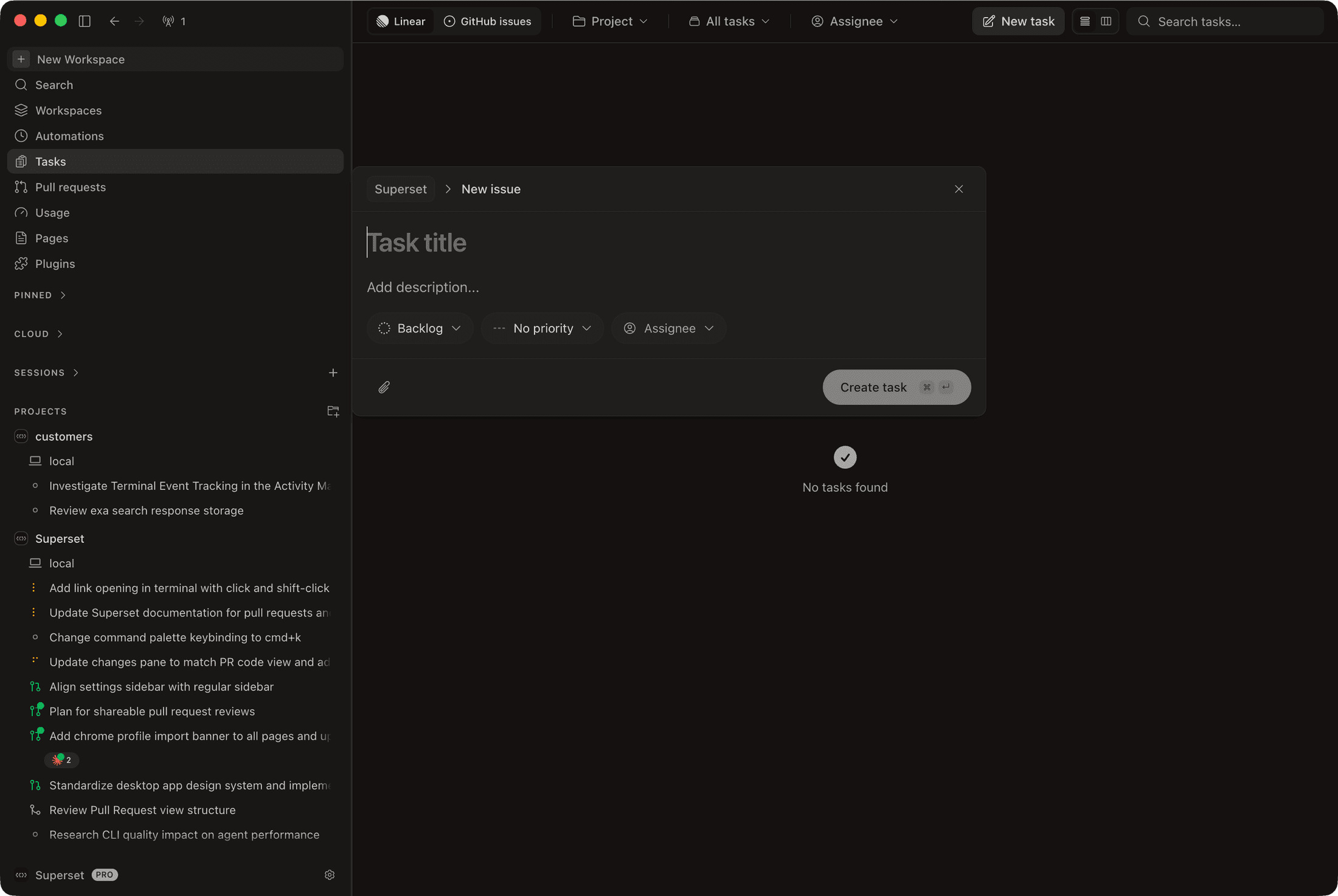
- Create tasks from the desktop with the New task modal: title, description, status, priority, and assignee
Opening a task shows its full detail: an editable title, description, activity, and a properties sidebar for status, priority, and assignee.
From Task to Workspace
Launch an agent from a task and the task's content becomes the agent's prompt:
- Run in workspace on a task (or a multi-selection of tasks) picks a project and an agent, then creates a workspace per task with the agent already working
- The Auto-run command toggle controls whether each agent starts immediately or stages the command for review
- The Task Prompt Template (per agent, under Settings → Agents) controls how a task is turned into the agent's prompt
- On the GitHub issues source, Add to workspace does the same for a single issue
After creating a PR, review and merge it from Pull Requests.